 Clod Clash
Quick start
From installing to the first connection in five minutes
Clod Clash connects your phone to a VPN service using a subscription link. Your VPN service (provider) gives you the link — in your customer portal, a bot or an email. From it the app downloads the servers, rules, remaining traffic and expiry date by itself; you type nothing in by hand.
Five steps
Install the app. Download the APK from the download page and install it — details in Install.
Add the subscription. Subscriptions tab → Add subscription → paste the link →
Add subscription. Or open a clodclash://install-config?url=… link from your provider's portal and
save the subscription with the button in the header. Details in Adding a subscription.
Pick the apps for the VPN. More → Apps. Right after installation no app goes through the tunnel until you check it (unless your provider sent its own list or turned on the “Allow all apps” mode). Check the ones that need the VPN — see Basic setup.
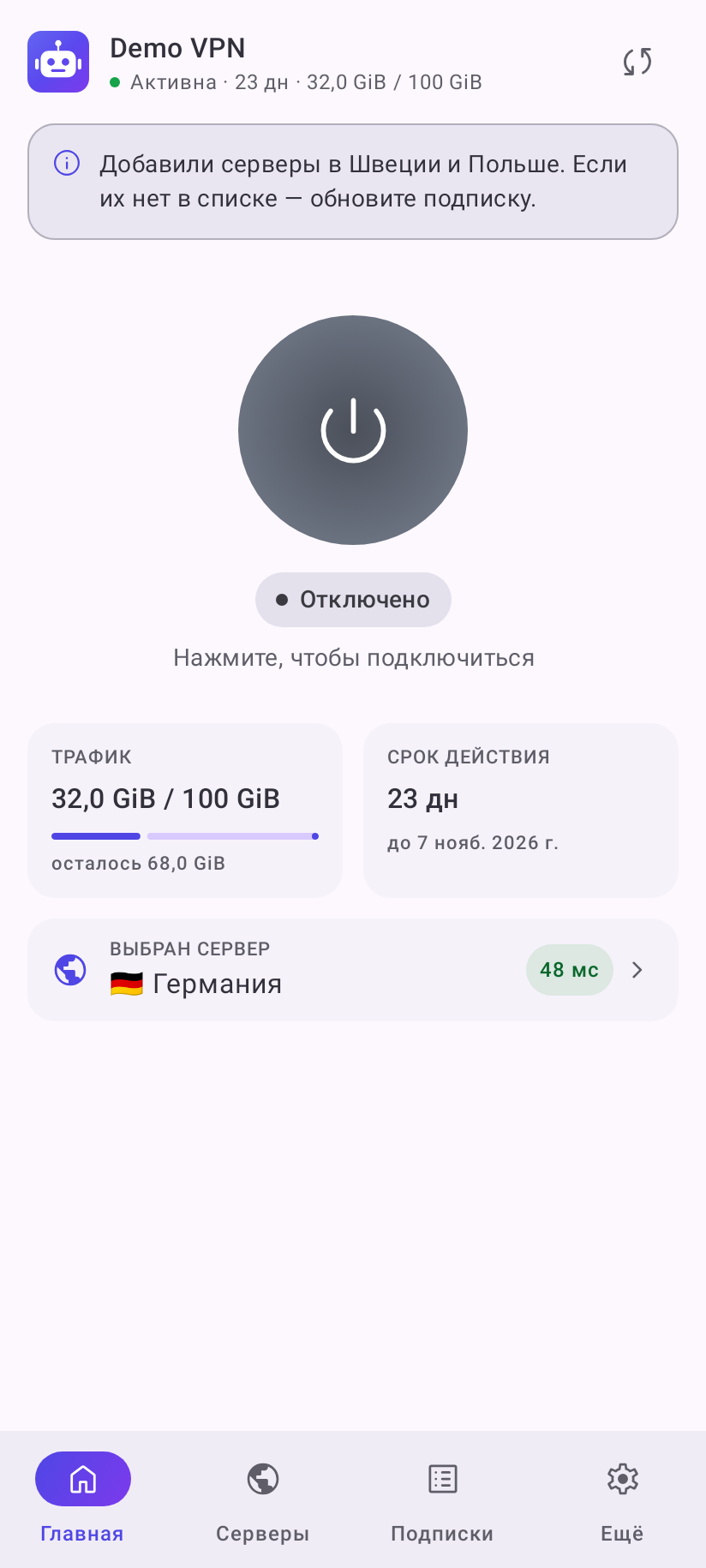
Connect. Tap the big button on the home screen and allow the VPN in the system dialog. The button turns green and a session timer starts inside it.
Make the connection stable. After the first connection the app offers once to lift the battery restriction and turn on always-on VPN — accept, otherwise Android may put the tunnel to sleep in the background.
What next
Connecting and servers
Pick a server, test the delay, favorites, auto selection
Home screen
What the home screen shows and how to put all groups on it
All settings
Network, dropping connections, background, notifications, look
Updates
How the app and the subscription are updated
Common errors
What an error message means and what to do about it
FAQ
Drops in the background, no servers, an app does not work
What it can do
- A tunnel for the whole device, or a local proxy without a VPN.
- Pick a server by hand or let auto selection pick by delay; favorites.
- Choose which apps go through the tunnel (or, the other way round, around it).
- Several subscriptions, reminders about the end of the term and traffic.
- Dark theme, Russian and English, a widget, a quick settings tile, shortcuts.
- Built-in app updates together with the core.
Subscription support
Clod Clash is a free app. Questions about your plan, payment, traffic and how the servers work go to your provider. About the app itself — see Help and contacts.